IE777 / MEMBER LEVELS
IE777 VIP Levels and Member Benefits
A level label can show progress, current standing or access to a benefit. Read the live IE777 membership page before treating an older message as current.
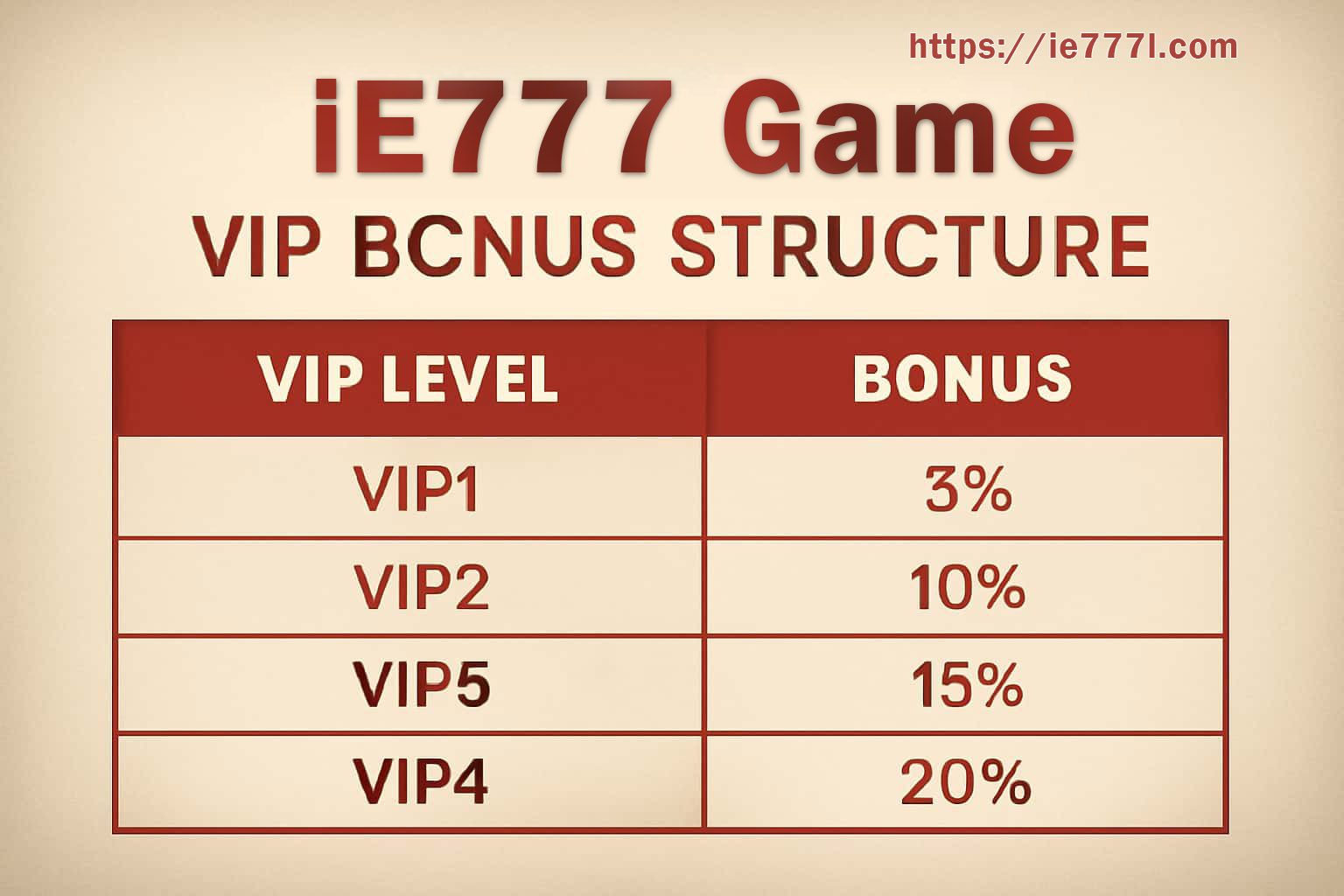
VIP information is easiest to understand when you separate three things: what qualifies the account, what the level currently unlocks, and how long a benefit remains available. A percentage or tier name on an old image is not enough on its own.
Check what actually moves the level
Open the current membership screen and look for the activity, account status or review condition attached to the level. If a requirement is unclear, keep the wording shown on screen before asking support.
- Confirm whether progress is calculated immediately or after settlement.
- Check whether verification must be complete before a benefit appears.
- Do not assume every activity type counts in the same way.
Read the benefit separately from the badge
A level name can stay visible while an individual benefit has its own expiry, claim window or usage condition. Open the detail attached to the benefit and record the date if you plan to use it later.
- Look for minimum or maximum values.
- Check whether a reward is credited automatically or must be claimed.
- Keep screenshots when a listed benefit changes unexpectedly.
Useful habit
If your level changes, save the previous level, new level and the time you noticed the change. That gives support a cleaner starting point than a general message saying “my VIP is wrong”.